Thursday, March 19, 2026
The Hidden AI Features in WordPress Most People Never Use

A website that keeps improving is a fundamentally different business asset than one that was good enough and then frozen in place.
Most people who try an AI website builder do the same thing: they type a prompt, watch the magic happen, and publish their site. Then they close the tab and never look back at the AI tools again.
Which means they're leaving a lot on the table.
WordPress.com's AI website builder (wordpress.com/ai-website-builder) isn't just a one-time setup tool. It's a persistent creative partner built into your site — and most users only ever scratch the surface of what it can actually do. Here are the features most people walk right past, and why they're worth going back for.
1. The AI Content Assistant: Your On-Call Copywriter
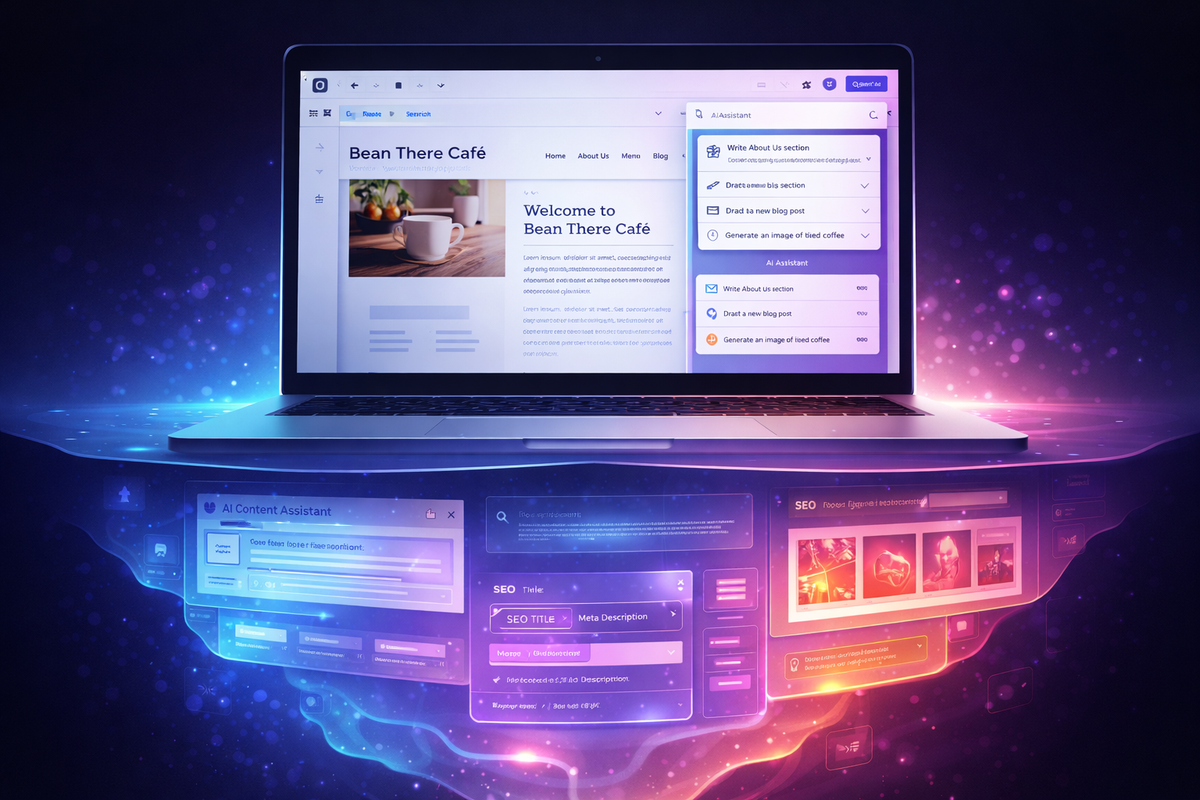
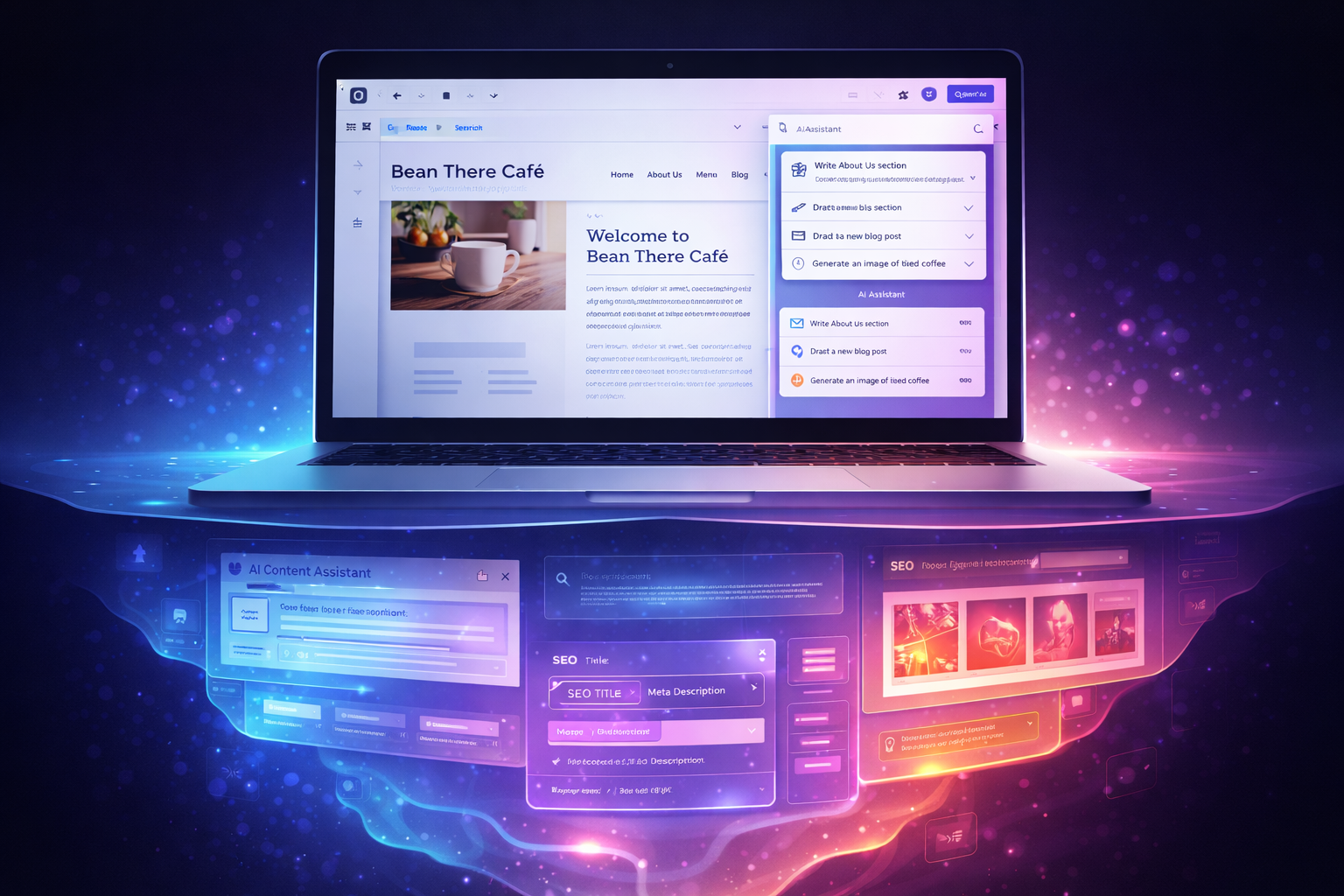
Once your site is live, your relationship with AI doesn't have to end. WordPress.com includes an AI assistant that lives inside your site editor — and it's remarkably useful for the ongoing work of running a website.
Stuck rewriting your About page for the fifth time? Ask the AI to tighten it up, shift the tone, or make it sound less like a resume. Need a new services section but not sure how to frame your offer? Describe it in plain language and let the AI draft it. Need a punchy headline for a landing page you're building for a new product? It can do that too.
Most people treat website copy as a "set it and forget it" task. The AI assistant makes it easy to keep your copy fresh, on-brand, and actually doing the job it's supposed to do — without hiring a copywriter or spending an afternoon staring at a blank page.
2. Post-Launch Design Tweaks (Without Touching the Code)
Here's one that surprises people: you can keep using the AI after your site is built to make design and layout changes — just by describing what you want.
Want to move the contact form higher on the page? Add a testimonials section? Change the vibe of your homepage from "professional services" to "creative studio"? You don't have to dig into blocks and drag things around. You can just tell the AI what you want and let it handle the rearranging.
For anyone who finds WordPress's editor a little overwhelming, this is a game-changer. The AI essentially gives you a plain-English interface for your own website — no technical fluency required.
3. SEO Metadata You Actually Don't Have to Write
Nobody enjoys writing meta descriptions. They're tedious, oddly high-stakes, and easy to skip entirely — which is exactly why most small websites have terrible (or missing) SEO metadata.
The AI tools built into WordPress.com can help you generate page titles, meta descriptions, and even think through keywords that make sense for what you're publishing. It's not a replacement for a full SEO strategy, but for someone who's been putting off that work because it feels overwhelming, it's a genuinely useful on-ramp.
Write the page. Let AI help you package it so search engines actually know what it's about. That's a reasonable division of labor.
4. Images You Didn't Have to Find (or Pay For)
Stock photo hunting is one of the least-discussed time sinks in running a website. You write a blog post, then spend 45 minutes on Unsplash looking for an image that isn't a person staring dramatically at a laptop.
WordPress.com's AI-assisted image features can help you generate visuals that actually match what you're writing about — without licensing headaches, without endless scrolling, and without settling for something generic that doesn't quite fit.
For content creators who publish regularly, this alone can meaningfully cut down on production time.
5. The Refinement Loop Most People Skip
Here's the biggest hidden feature, and it's more of a mindset than a button: the AI in WordPress.com is designed to be used iteratively, not just once.
The initial build gets you a real, publishable site in minutes. But the sites that look polished and feel intentional are usually the ones where someone kept going back, kept refining, kept using the AI to experiment with different approaches.
Try a different homepage headline. Restructure that services page. Add a section you hadn't thought of. The AI makes iteration cheap — in terms of both time and effort — so there's much less reason to "settle" for your first draft.
Most people treat their website like a finished product. The ones who use these tools well treat it like an ongoing project, and the AI makes that sustainable in a way that wasn't really possible before.
Worth Going Back For
If you built your site with WordPress.com's AI builder and haven't opened it since launch day, it might be worth a second look — not to rebuild anything, but just to explore what's sitting there waiting to be used.
The initial build is impressive. But the ongoing AI tools are where the real long-term value lives, especially for anyone running a small business, a creative practice, or a personal brand where the website needs to grow alongside what you're doing.
Start at wordpress.com/ai-website-builder if you haven't built yet — or if you have, go log back in and poke around. You might be surprised what you've been ignoring.
Disclaimer: This post contains affiliate links. If you make a purchase through these links, a commission will be earned at no cost to you.
Frequently asked questions
Continue Reading