Tuesday, March 17, 2026
WordPress AI Isn’t Magic Yet… But It’s Pointing Somewhere Interesting

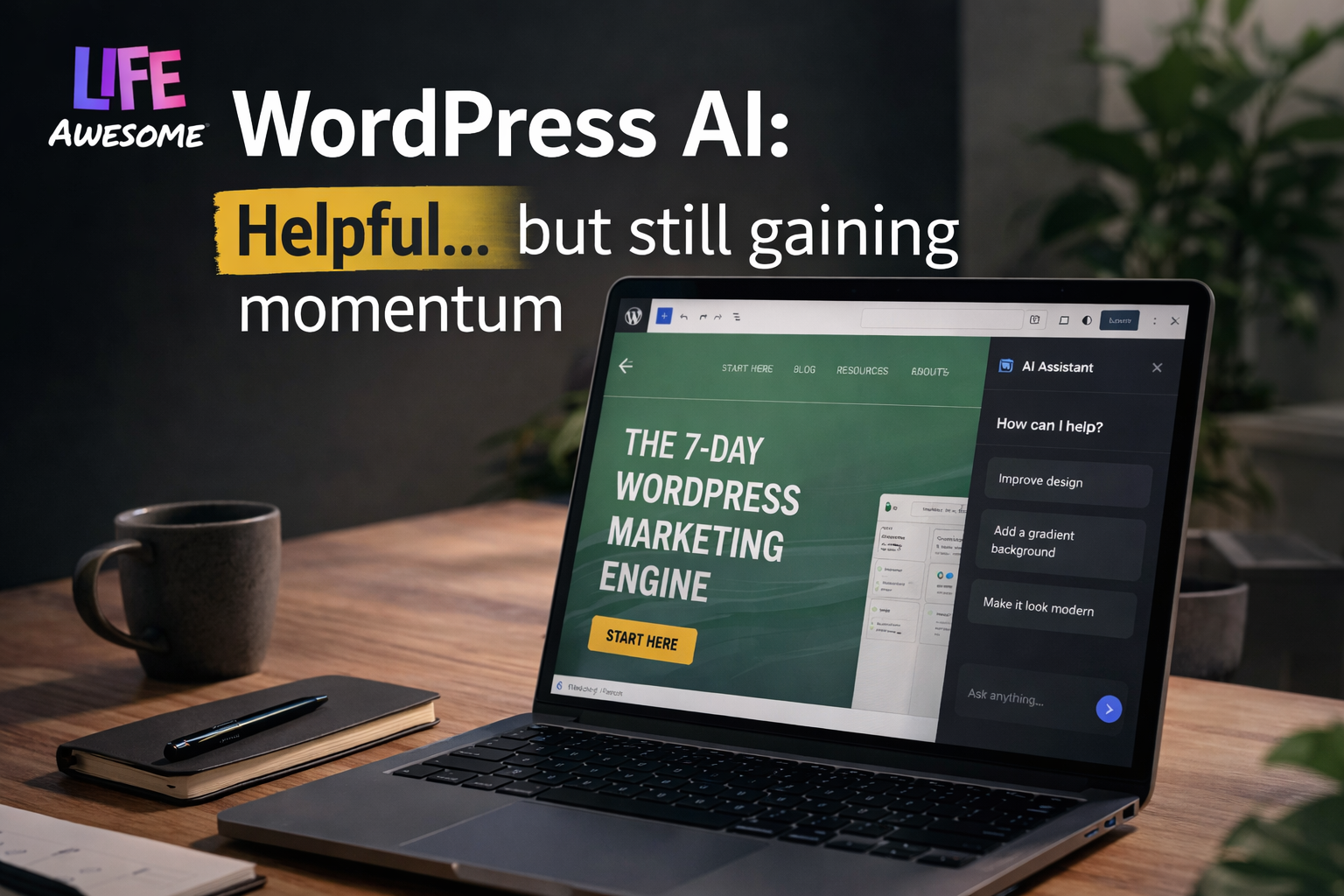
Right now, WordPress AI feels like a capable assistant with great ideas… but a habit of adjusting the wrong thing.
“Written by Dan Davidson — based on real-world testing while building a live WordPress project.”
Disclaimer: This post contains affiliate links. If you make a purchase through these links, a commission will be earned at no cost to you.
I started a test project inside WordPress.
I called it The 7-Day WordPress Marketing Engine.
Rather than following the normal pattern of selecting a theme and building pages, I decided to experiment with the new AI tools built into Wordpress.
Not just test them. Use them. Rely on them.
You know, Push them a little.
In this article, I’m walking through my real experience using WordPress AI while building a live project. Here’s a real example from my build.
I asked the AI assistant to:
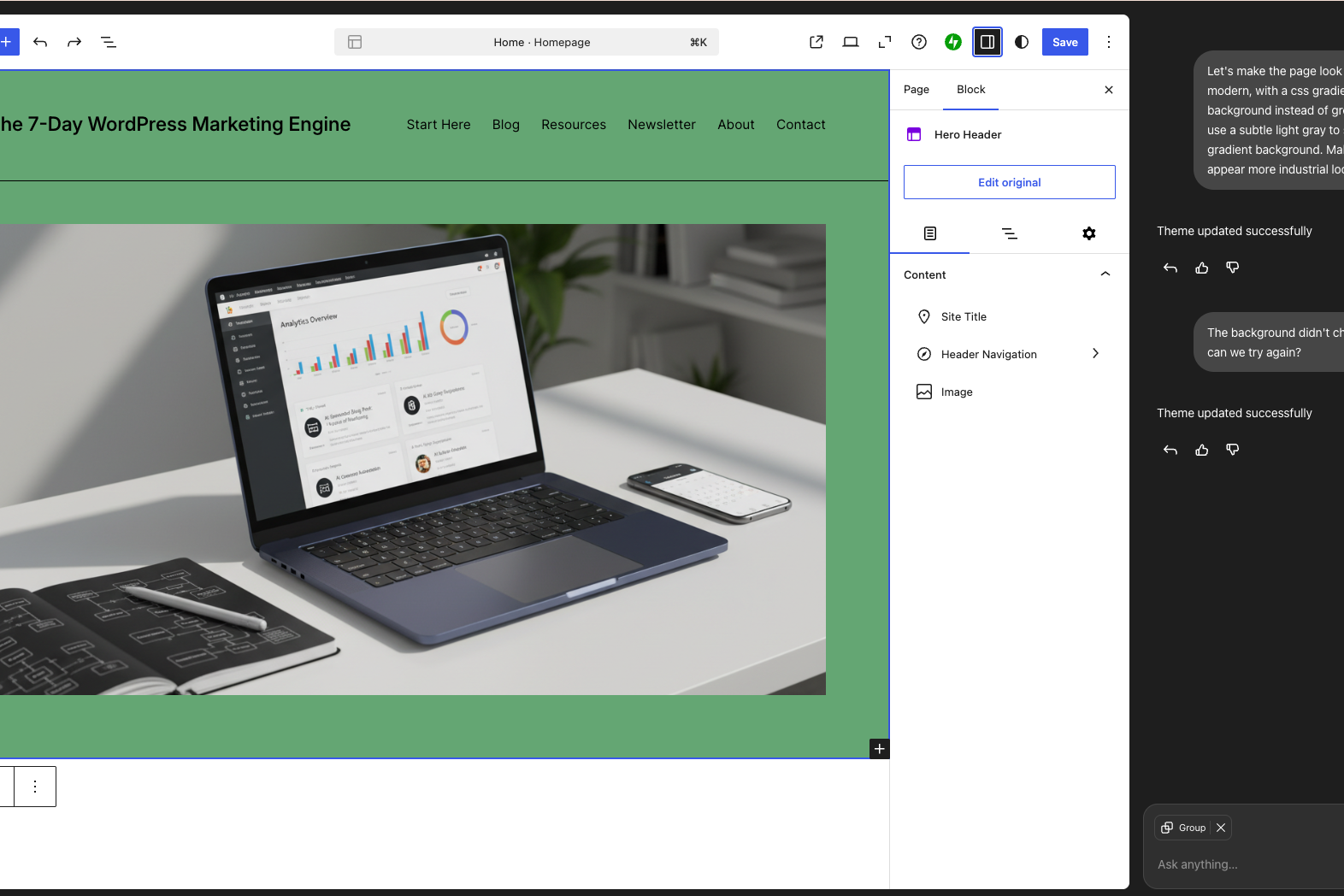
“Make the page look more modern, with a subtle gray-to-slate gradient background instead of green.”
Reasonable request, right?
What actually happened:
- The background stayed green
- The layout didn’t change
- The only visible difference was… the header text styling updated slightly
That was it.
So I ended up doing what I would’ve done anyway:
Went into Styles → picked a palette → manually adjusted it
The Current Reality
This has been the pattern more often than not.
AI understands what I’m asking…
...it repeats back what I want...
…then does whatever the heck it wants to do!
It's like having a really smart assistant who:
- takes notes perfectly
- nods confidently
- reformats the notes with Comic Sans and Unicorn Emojis. 🦄
Is WordPress AI Actually Helpful?
To be fair, it’s not all friction.
There are moments where it genuinely speeds things up:
Quick content generation
Getting a rough draft into the editor is fast. Especially helpful when you’re mapping ideas quickly.
Iteration
Rewriting sections, simplifying text, adjusting tone… this part is solid.
Lowering the barrier
If someone is brand new to WordPress, this is a big deal.
It removes that “where do I even start?” wall.
Where It Still Feels Early
Here’s where things get real.
1. Execution gaps
You can ask for a design change… and it updates something adjacent instead of the thing you actually care about.
2. Limited theme compatibility
Right now, AI features only play nicely with a small subset of themes.
Which means: AI has not replaced your need for web development skills. Unless you are hiring someone, you will still need to flex those HTML and CSS skills.
3. Surface-level changes
It can tweak styles and content…
…but deeper layout, structure, and conversion-focused changes?
Still very manual.
The Subtle Trap
This is the part I think people need to hear.
WordPress AI can make it feel like you’re making progress…even when you’re just moving pixels around.
You might get:
- a nicer looking page
- slightly better copy
- a sense of momentum
But none of that guarantees:
- expected outcomes
- clarity
- positioning
- conversion
And those are the things that actually matter.
The Shift I’m Making
This experiment has reinforced something I’ve been thinking about a lot lately.
Instead of asking:
“What will I build next?”
I’m asking myself:
“If I solve this once, how do I make it reusable forever?”
That’s where AI gets interesting.
Not as a builder of pages…
…but as a multiplier of systems.
- Documentation → reusable
- Prompts → reusable
- Workflows → reusable
- Training content → reusable
The more I think like that, the more AI actually starts to compound instead of just assist.
So… is WordPress better with the new AI Features?
Yeah… with the right expectations.
Use it for:
- Speed
- Drafting
- Exploration
- Removing friction
Don’t rely on it for:
- Final design decisions
- Strategic thinking
- Conversion optimization
- “Done”
Where This Is Headed
Even with the rough edges, this is pointing somewhere real.
You can feel it.
WordPress is clearly moving toward:
AI-assisted site building as a default experience
It’s just not fully baked yet.
But when it clicks?
This becomes incredibly powerful—especially for people who already know what they’re doing.
If Your Wordpress AI is giving you unexpected Unicorn emojis, feel free to reach out! I can help you customize Wordpress Themes, configure plugins, or even setup automation workflows that do what you expect.
Frequently asked questions
Continue Reading